
Turning a research paper into a clear and well-structured conference presentation is a familiar challenge in academic work. In this post, we test whether NotebookLM can generate a usable slide deck directly from an uploaded article. The focus is on how effectively the system translates a dense written argument into presentation form — in terms of structure, emphasis, and overall clarity.
Input
Any article, manuscript, or draft can be uploaded to NotebookLM as a source document; once uploaded, the “Slide Deck” generation option allows the system to produce a presentation outline based on the provided material.
For the purposes of this test, we used the following article as the sole source document:
Kiss, R., Sebők, M. The concept of tailor-made laws and legislative backsliding in Central–Eastern Europe. Comparative European Politics, 23, 353–409 (2025). https://doi.org/10.1057/s41295-024-00403-6
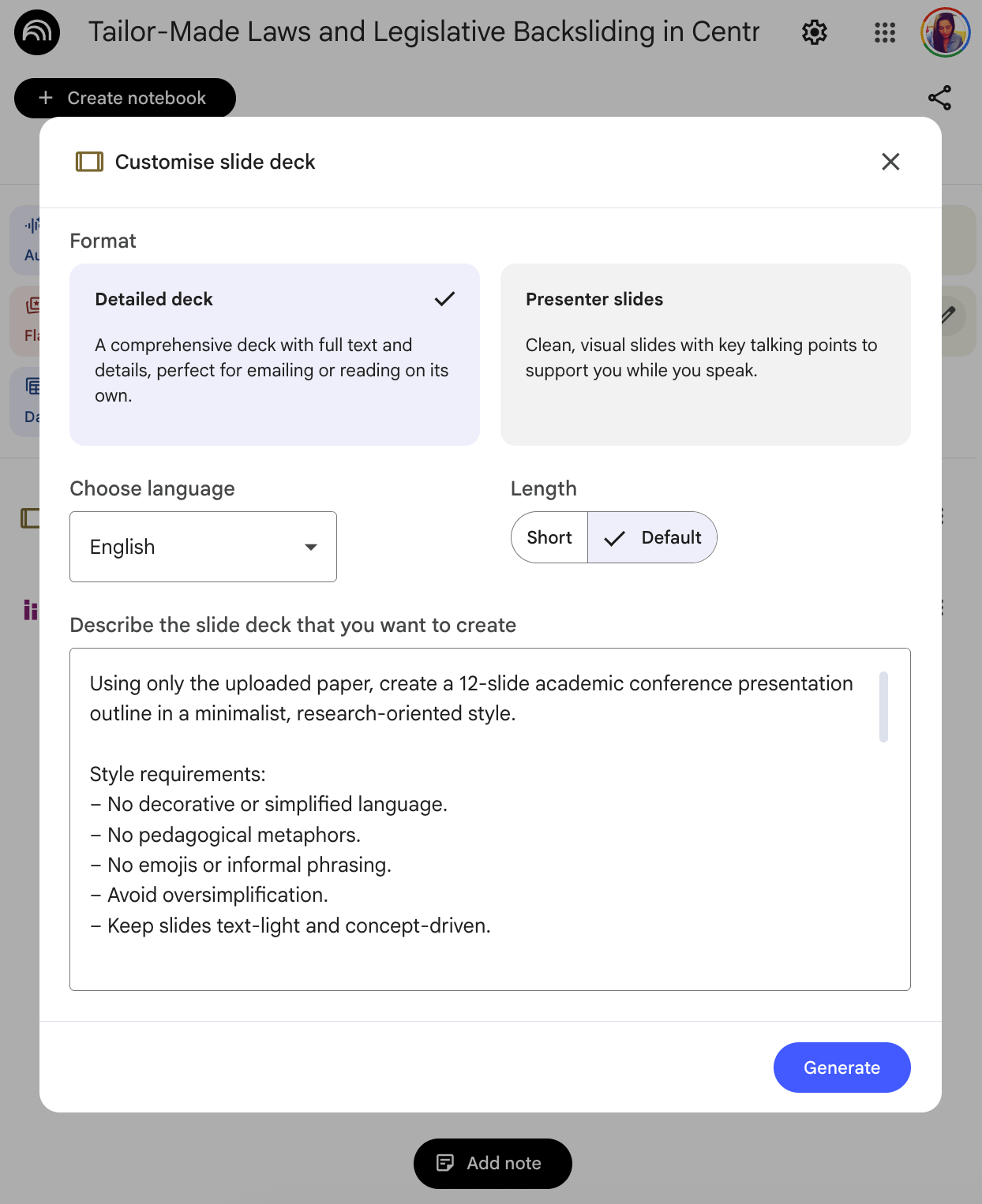
Prompt
The task was to generate a structured 12-slide academic conference presentation outline directly from the uploaded paper, with clearly defined content and stylistic constraints.
Using only the uploaded paper, create a 12-slide academic conference presentation outline in a minimalist, research-oriented style.
Style requirements:
- No decorative or simplified language.
- No pedagogical metaphors.
- No emojis or informal phrasing.
- Avoid oversimplification.
- Keep slides text-light and concept-driven.
Structure:
- Title slide
- Research question and puzzle
- Theoretical positioning within the literature
- Conceptual framework
- Operationalisation / measurement strategy
- Data
- Empirical strategy
- Main findings (separate substantive and robustness results)
- Theoretical implications
- Methodological contribution
- Conclusion and research agenda
For each slide:
- Maximum 4 concise bullet points
- Academic tone
- Indicate where a figure/table from the paper should be placed (if applicable)
Do not introduce any information not explicitly contained in the paper.
Output
The generated slide deck performs reasonably well. Key concepts are accurately represented, and figures from the paper are incorporated appropriately, demonstrating that the system relies closely on the uploaded source. However, in several slides, the visual structure appears more dominant than the substantive analytical content. While the layout is clear and coherent, some slides prioritise graphical balance over deeper conceptual elaboration.
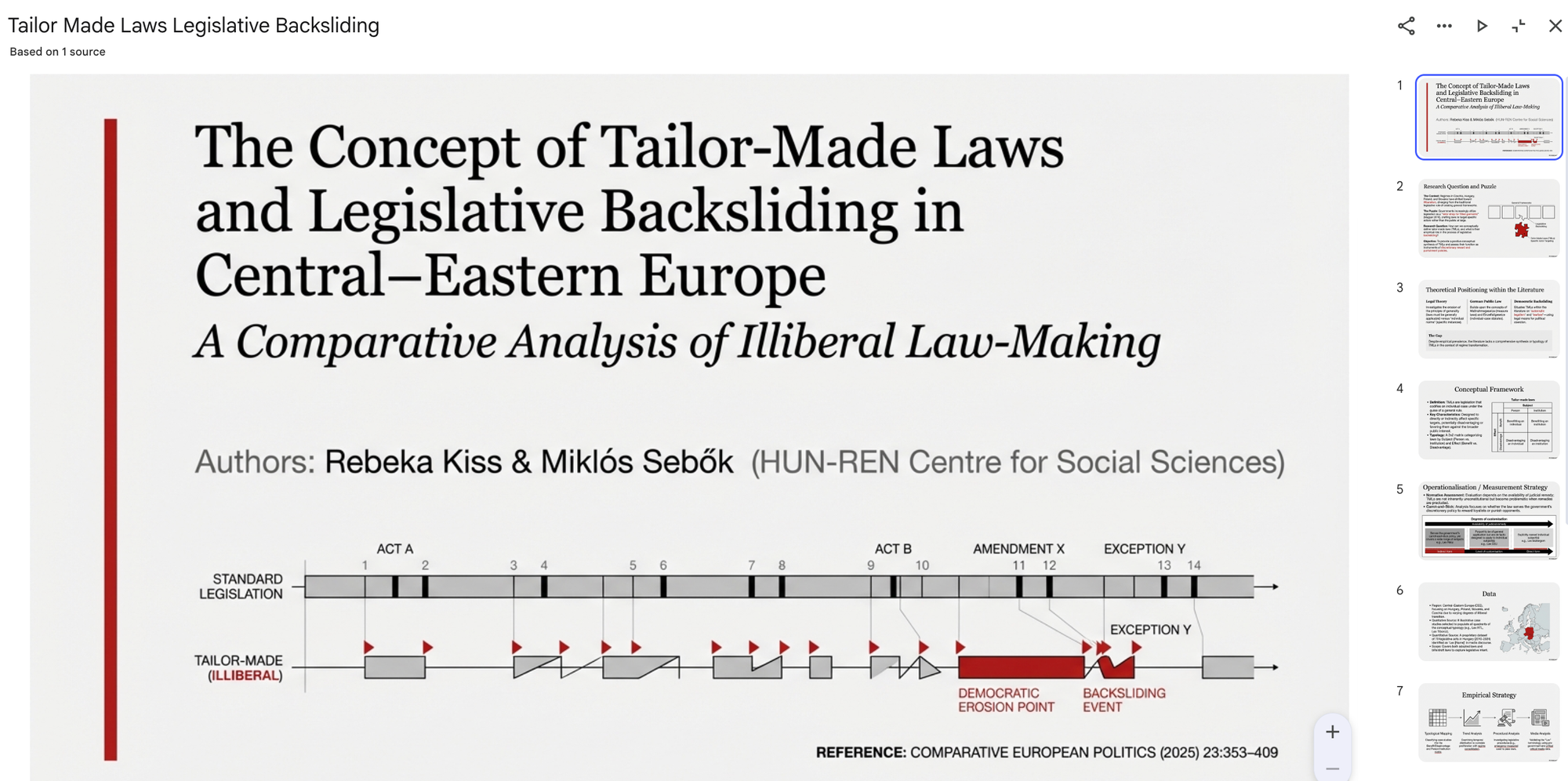
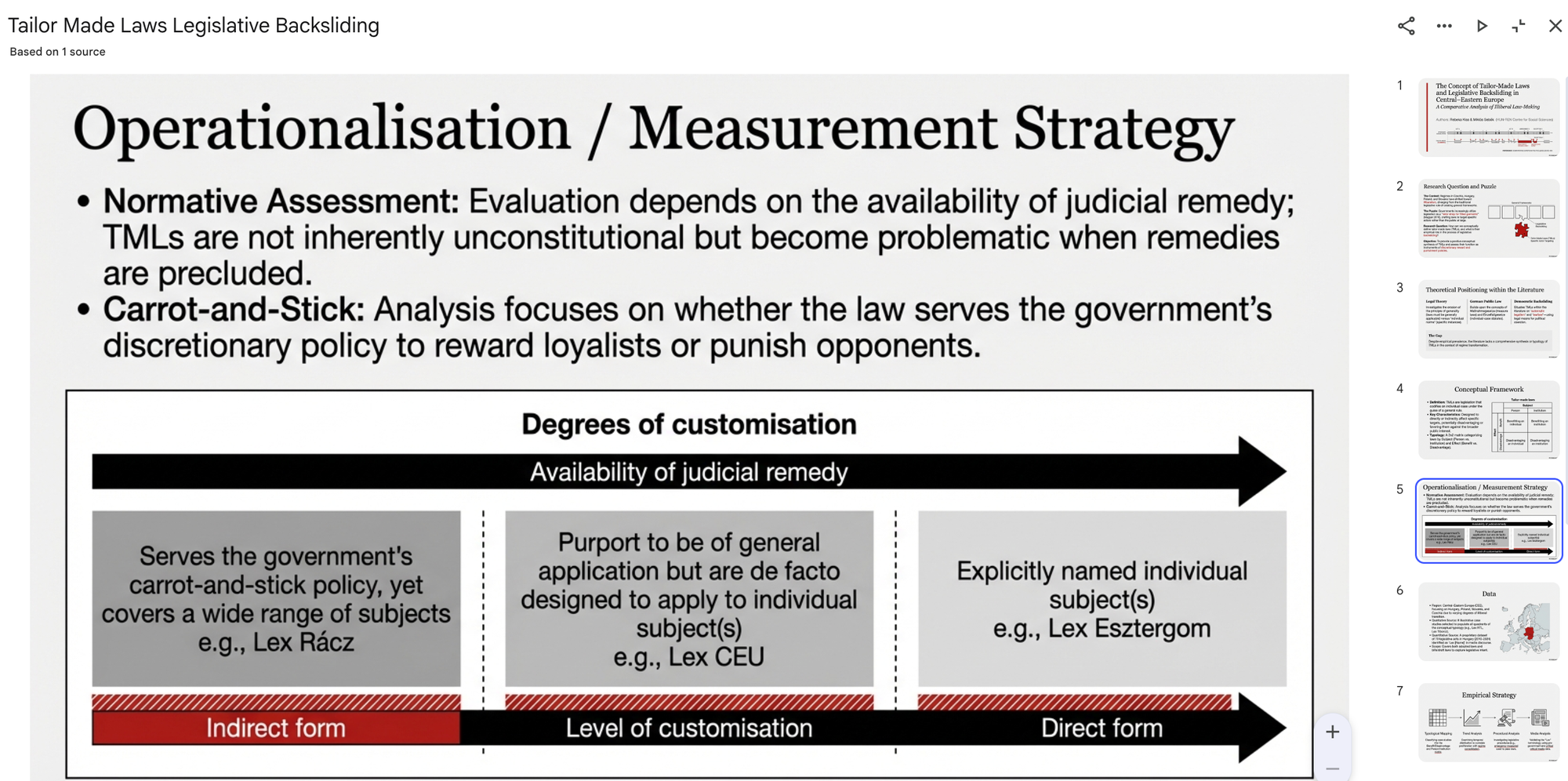
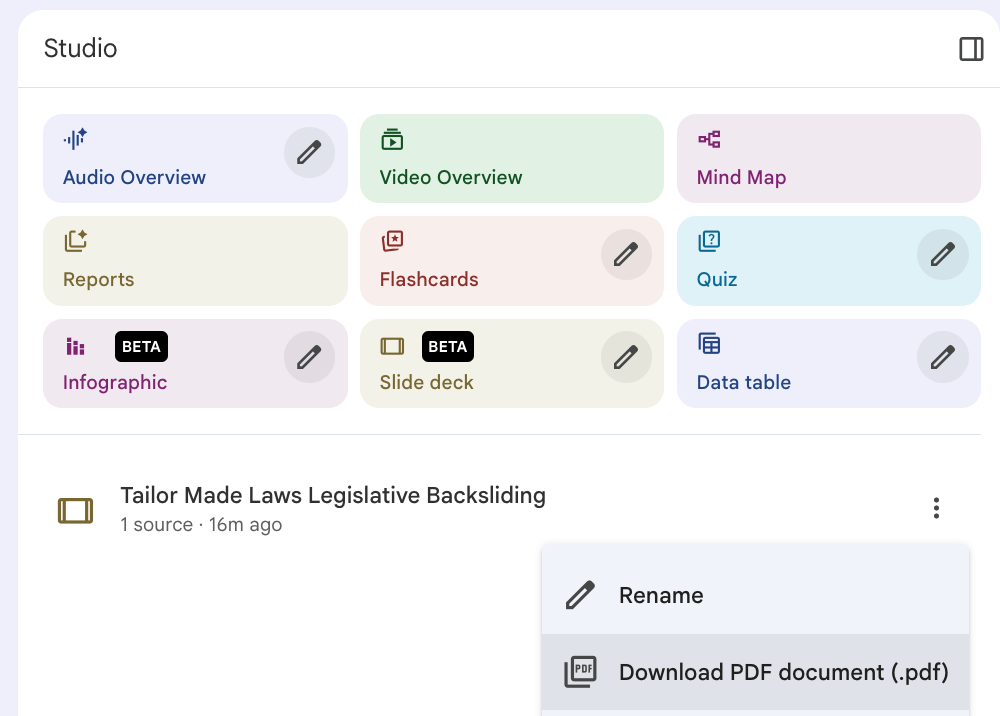
Although the generated slide deck was visually coherent and stylistically consistent, its limitations are evident: the output cannot be iteratively refined through follow-up prompting within the same generation flow, and the final file is only available for download in PDF format, which restricts further editing and reuse.
Recommendation
NotebookLM is useful for quickly transforming a single academic paper into a structured presentation draft with consistent formatting and visual coherence. It works particularly well for first-round conference preparation or university lectures. However, for high-level academic presentations requiring iterative refinement, custom design adjustments, or editable formats, the output should be treated as a starting point rather than a final product.
The author used Google NotebookLM [Google (2026) NotebookLM (accessed on 13 February 2026), AI-powered research assistant, available at: https://notebooklm.google] to generate the output.